Markdown Viewer Online
Where markdown docs become readable
Markdown is everywhere. Viewing it shouldn't be annoying.
Most "markdown viewer online" tools are actually editors, formatters, or SEO utilities. You just want to open Markdown and read it — rendered, clean, and comfortable.
How to open an MD file online
Select or drop a .md file into the viewer. mdview.io renders the Markdown in your browser so you can read headings, tables, code, diagrams, and math in their finished form.
- Choose the MD file from your device, or paste its Markdown source.
- Render the document without installing an editor or creating an account.
- Read it in the browser, then print, export, or share it when needed.
A markdown viewer online built for reading
Not an editor pretending to be a viewer.
Viewer-first by default
- Opens in rendered view immediately
- No IDE clutter, no split pane required
- Adjustable reading controls
Open Markdown from anywhere
- Upload or drag & drop local .md files
- Paste Markdown and render instantly
Better for long Markdown documents
- Auto table of contents from headings
- Reader controls: font size and line width
- Smooth scrolling and fast rendering
Markdown rendering you can trust
- CommonMark + GFM (tables, task lists, fenced code)
- Syntax highlighting for code blocks
Why mdview.io is different
If you searched for a markdown viewer online, you probably wanted a viewer.
| mdview.io | Typical online tools | |
|---|---|---|
| Viewer-first (read mode by default) | ||
| Minimal, reader-friendly UI | ||
| Great for long docs (TOC + reading controls) | ||
| Handles 10MB+ files without slowdowns | ||
| Open local files | ||
| Share URL | ||
| Print-friendly + PDF export | ||
| GitHub callouts rendered cleanly |
"If you want to write Markdown, great editors already exist.
If you want to read Markdown, mdview.io is the tool."
Everything you need in a Markdown viewer online
Advanced rendering (optional)
- Mermaid diagram rendering (toggleable)
- LaTeX math rendering (toggleable)
- Frontmatter parsing + display (toggleable)
Mermaid diagrams in Markdown
Markdown file viewer with Mermaid diagrams
Drop Markdown with Mermaid code fences and mdview.io renders it instantly. Support includes flowcharts, sequence diagrams, Gantt charts, ER diagrams, class diagrams, and mindmaps.

LaTeX formulas in Markdown
Markdown file viewer with LaTeX formulas
Render inline and block math instantly. mdview.io supports fractions, integrals, summations, matrices, aligned equations, and complex formulas for technical docs.

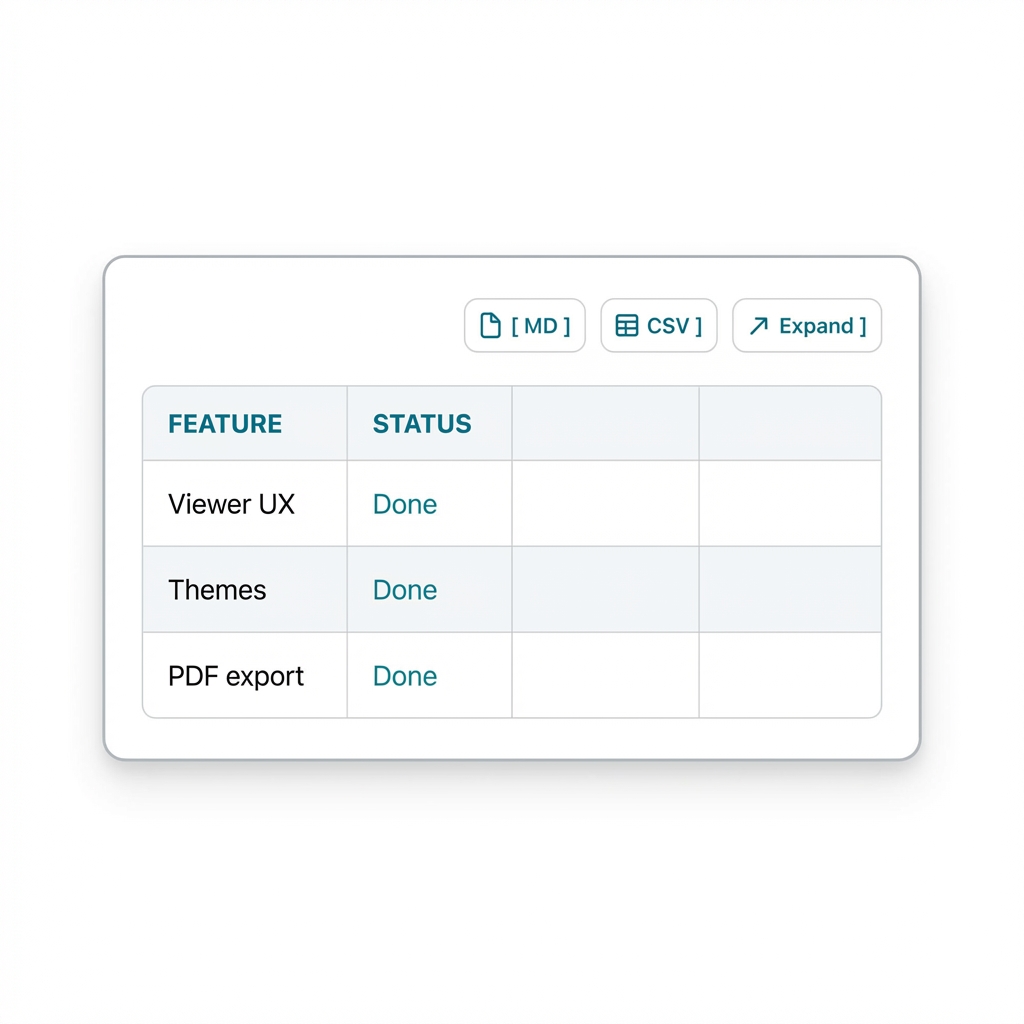
Beautiful tables in Markdown
Responsive Markdown tables with wide-table support
Read compact specs and oversized comparison grids without the layout falling apart. mdview.io keeps tables usable on mobile, supports horizontal scrolling for wide tables, and makes it easy to export table content as CSV or Markdown.
Use cases
Render AI-generated Markdown with diagrams
Perfect for reading LLM responses that include complex Mermaid diagrams, LaTeX math, and formatted technical specs.
Share documents as clean, readable links
Paste your Markdown and share it with others as a beautifully rendered, distraction-free web page.
Export technical Markdown to PDF or PNG
Generate clean, professional PDFs or high-quality images of your rendered Markdown for presentations and documentation.
Open Markdown from the terminal
Add a shell function to view any .md file in your browser instantly.
Add to your ~/.bashrc or ~/.zshrc:
mvd() { xdg-open "https://mdview.io/#mvd=zip:$(zip -q -j - "$1" | base64 -w0)"; }Usage: mvd README.md
Add to your ~/.zshrc or ~/.bash_profile:
mvd() { open "https://mdview.io/#mvd=zip:$(zip -q -j - "$1" | base64)"; }Usage: mvd README.md
Add to your PowerShell profile ($PROFILE):
function mvd { param($file); $zip = [System.IO.Path]::GetTempFileName() + ".zip"; Compress-Archive -Path $file -DestinationPath $zip -Force; $b64 = [Convert]::ToBase64String([IO.File]::ReadAllBytes($zip)); Remove-Item $zip; Start-Process "https://mdview.io/#mvd=zip:$b64" }Usage: mvd README.md
Who uses mdview.io
AI power users
Turn raw AI output into clean, readable documents with proper diagrams, tables, math, and formatting.
Software engineers
Read and share architecture diagrams, RFCs, design docs, and technical Markdown without broken rendering.
Engineering teams
Share internal documentation securely with expiring links, controlled access, and consistent rendering across devices.
Technical writers
Publish Markdown that actually looks polished — including Mermaid diagrams, code blocks, tables, and callouts.
Developers working with LLMs
Preview, validate, and fix Markdown generated by ChatGPT, Claude, Gemini, Cursor, Copilot, and coding agents.
Open source maintainers
Share README files, specs, and project documentation in a format that's easier to read than raw GitHub Markdown.
Researchers and students
Render large Markdown notes, math equations, and technical papers into something readable and shareable.
Teams working with architecture diagrams
View Mermaid diagrams in fullscreen, export them, and share them without asking teammates to install extra tools.
Try the markdown viewer online now
From the blog
Guides on Markdown, Mermaid & AI docs
Deep dives on rendering AI-generated Markdown, Mermaid diagrams, and technical documentation.
Markdown Image Syntax: Add Images and Fix Broken Links
Learn Markdown image syntax, alt text, linked images, and practical checks for broken URLs or local paths when sharing a document.
Read articleMermaid Subgraph Troubleshooting: Fix Common Errors
Debug Mermaid subgraph syntax, missing end statements, reused node IDs, and unexpected layouts with small examples and a repeatable workflow.
Read articleMermaid Subgraph Direction Not Working? Check External Links
Understand why Mermaid ignores a subgraph direction, reproduce the external-link limitation, and choose a clearer diagram structure.
Read articleMermaid Gantt vs Timeline: Choose the Right Diagram
Compare Mermaid Gantt and timeline diagrams with copyable examples, then choose a schedule or milestone view for your Markdown document.
Read articleTạo File MD Online: Viết và Xem Trước Markdown
Hướng dẫn tạo file .md bằng trình soạn thảo văn bản, xem trước Markdown trực tuyến và kiểm tra nội dung trước khi chia sẻ.
Read articleWindows 11: Make a Markdown Viewer the Default for MD Files
Set a default app for .md files in Windows 11, test double-click opening, and fix a missing app or a hidden .txt extension.
Read articleLooking for something specific?
Focused tools for the way you work with Markdown:
FAQ
Is mdview.io an editor?
No — it's a markdown viewer online. It's optimized for reading first.
Does it support GitHub-flavored Markdown?
Yes: tables, task lists, fenced code blocks, and more.
Can I use it with Claude, Codex, or other AI agents?
Yes — mdview.io works well with Claude, Codex, ChatGPT, and other agents that generate, open, publish, or fetch Markdown. See /agents for agent-specific docs and examples.
Can I open local .md files?
Yes — upload or drag & drop.
Can I print or export to PDF?
Yes — it's designed to be print-friendly.